Passport, visa and ID photos for 100+ countries
Passport Photo Maker Online
Adjust the document size, crop and permitted background options online. Preview the result for free, then choose a digital photo or printable sheet.
Upload your photoBefore you upload
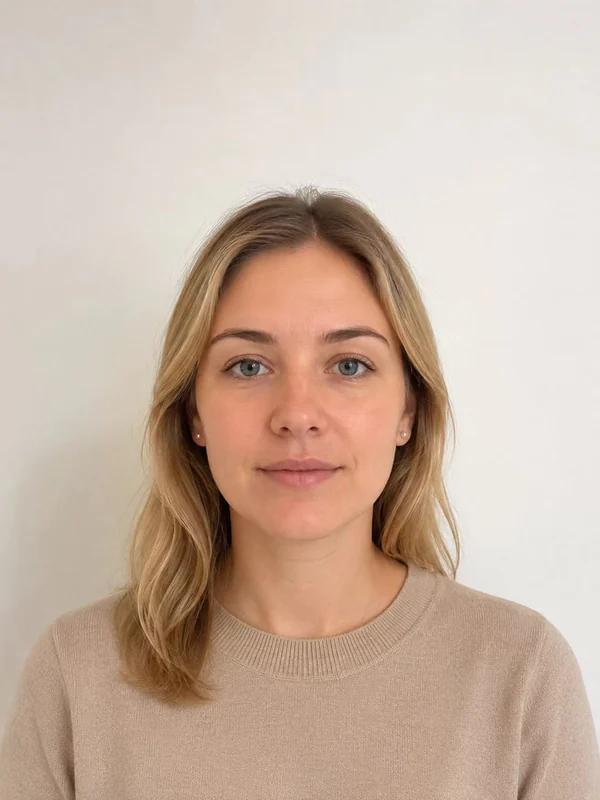 ✓
✓✅ Recommended
Good starting photo
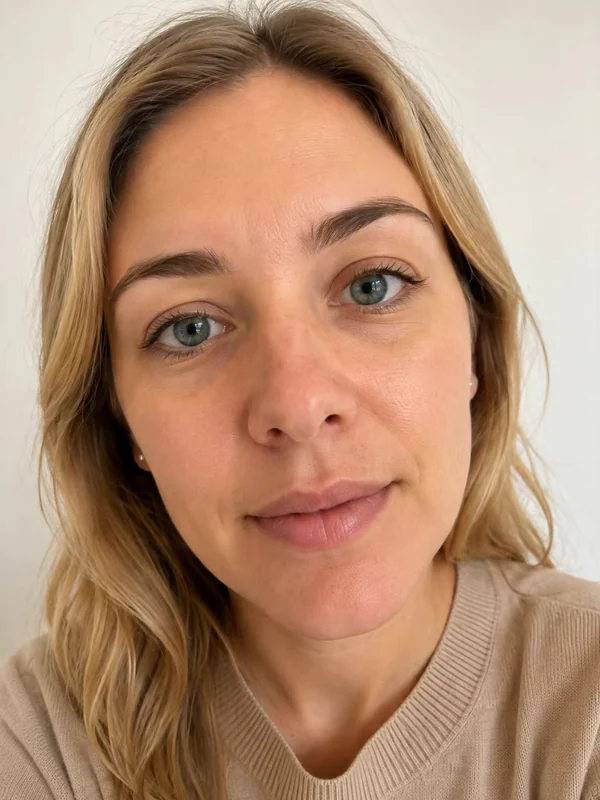 ×
×❌ Too close
Avoid close-up selfies
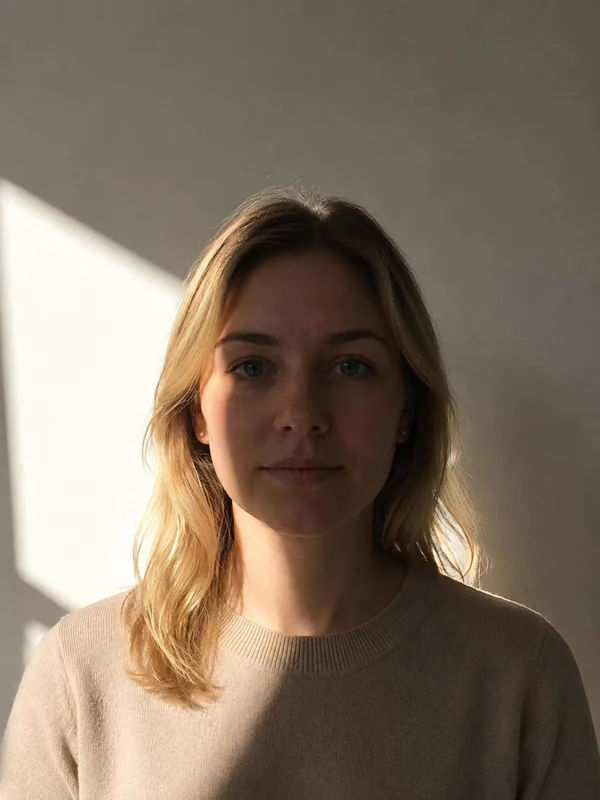 ×
×❌ Poor lighting
Avoid backlighting and strong shadows
Face forward, head and shoulders visible, even light and a plain background.
This is only a location-based suggestion. Confirm the document before uploading so the correct rules are used.
Recorded photo preset
Output: 51 × 51 mm · 600 × 600 px @ 300 DPI
The free file is a watermarked preview, not a submission-ready official photo.
HD download includes the exact-size digital photo, a 600 DPI print master, and a ready-to-print 4×6" sheet.
Choose what you need
Popular documents
How it works
1. Upload
Choose a clear, front-facing photo.
2. Adjust
Select the document, crop and available background colour.
3. Download
Save a free preview or unlock digital and printable files.
What the tool actually does
Exact output dimensions
The renderer uses the selected record's millimetre and pixel dimensions.
Action-based checks
Face, sharpness, lighting, position, output size and background are reported separately.
No subscription
The preview is free; paid files use a one-time checkout.
Photo privacy
Cropping, resizing and basic checks are handled in your browser whenever possible. Your photo is uploaded temporarily only when a feature requires server-side processing, and temporary files are automatically deleted.
Read the privacy policy →Passport photos by country
Visa and immigration photos
Frequently asked questions
Is my photo uploaded to a server?
Cropping, resizing and basic checks are handled in your browser whenever possible. Your photo is uploaded temporarily only when a feature requires server-side processing, and temporary files are automatically deleted.
Will my photo be accepted by the authorities?
The tool crops your photo to the selected document dimensions and places head-position guides based on the current database record. You are responsible for confirming the issuing authority's current rules and following the posing guidance (neutral expression, no glasses, even lighting).
How do I print my passport photo?
The HD download includes a 4×6 inch print sheet with several copies laid out with cut lines. Print it at any pharmacy, photo kiosk or online print service as a standard 4×6 photo, then cut along the lines.
What does the free version include?
You can use the quality checks, cropping, all size presets and background removal where the selected document permits it, then download a watermarked preview for free. The one-time HD purchase removes the watermark and adds the print sheet.
What kind of photo should I start with?
Use a sharp, well-lit photo taken straight-on at eye level, with your full head and shoulders visible and some space around them. Avoid harsh shadows, hats and glasses.